Best SaaS Monitoring Tools for IT Teams
Monitor uptime, outages, incidents, and vendor reliability across all your SaaS applications.
Official SaaS status pages are often noisy, delayed, or insufficient for operational monitoring. StatusGator helps IT teams track third-party outages, early warning signals, and historical vendor reliability across the services they depend on every day.
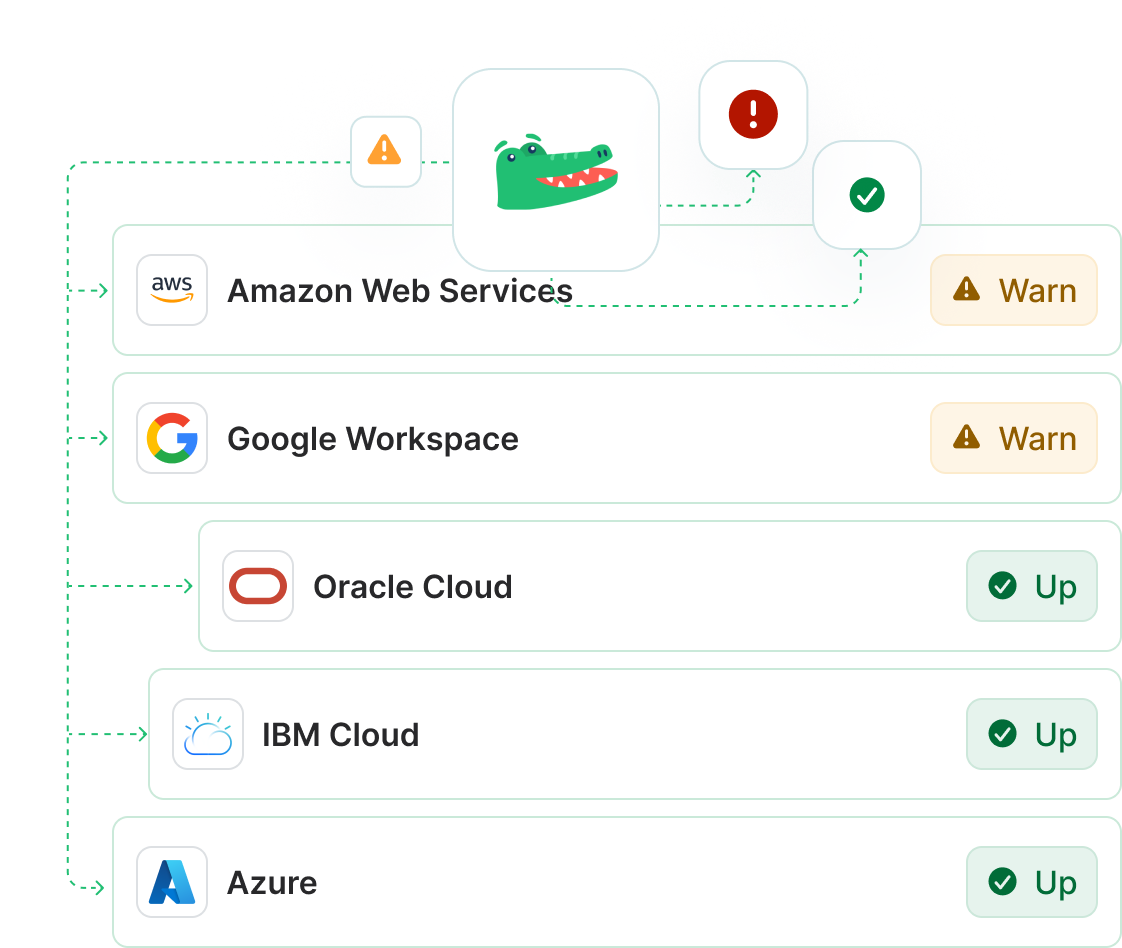
Why official status pages are not enough
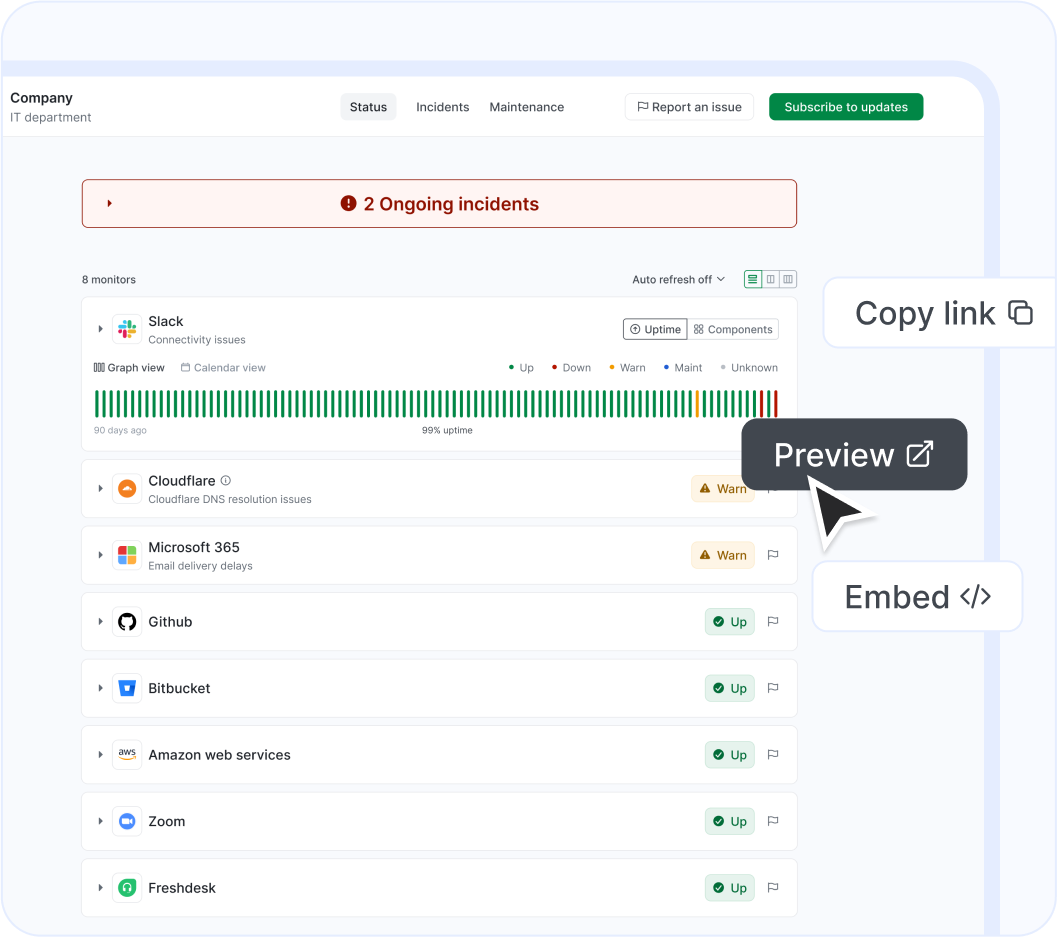
SaaS providers often acknowledge incidents after users have already felt the impact, and those updates can lag behind regional, partial, or inconsistent outages. That makes official status pages useful, but not sufficient, for operational monitoring.
- Status pages can lag behind real user impact.
- Partial outages may not be acknowledged quickly.
- Provider updates can be noisy or incomplete.
- IT teams need an independent source of truth.
Real-world example: Microsoft Teams outage
On December 10, 2025, Microsoft Teams experienced a disruption affecting users across Australia. StatusGator identified the issue at 02:52 UTC and issued an Early Warning Signal at 03:01 UTC, giving users a 45-minute advantage before Microsoft’s official acknowledgment at 03:46 UTC.
Timeline
- 02:52 UTC — First outage reports reach StatusGator from Australia.
- 02:56 to 03:12 UTC — Reports escalate: frozen calls, dropped sessions, reconnect failures.
- 03:01 UTC — StatusGator issues an Early Warning Signal.
- 03:46 UTC — Microsoft publicly acknowledges the incident.
Impact on users
- Frozen or stalled video calls.
- Inability to reconnect after being dropped.
- Meetings ending abruptly for all participants.
- Intermittent failure to load or join Teams sessions.
StatusGator insight
This incident shows why SaaS monitoring needs to include user-generated telemetry and early warning signals, not just official provider updates.
Timeline
- 02:52 UTC — First outage reports reach StatusGator from Australia.
- 02:56 to 03:12 UTC — Reports escalate: frozen calls, dropped sessions, reconnect failures.
- 03:01 UTC — StatusGator issues an Early Warning Signal.
- 03:46 UTC — Microsoft publicly acknowledges the incident.
What counts as SaaS monitoring?
SaaS monitoring is broader than simple uptime checks. It includes status aggregation, vendor reliability monitoring, alerting, and operational visibility across the applications your business uses every day.
| Category | What it does | Why it matters |
|---|---|---|
| Uptime monitoring | Checks whether a service endpoint is available. | Good for basic availability checks. |
| SaaS status monitoring | Tracks official vendor status pages. | Helps teams see vendor-posted incidents and maintenance. |
| Status aggregation | Centralizes many vendor pages into one dashboard. | Reduces tab switching and improves response speed. |
| Vendor reliability monitoring | Studies incident history and recurring degradation. | Helps teams assess which services are chronically unstable. |
| Alerting tools | Route incidents into team workflows. | Improves response and reduces notification fatigue. |
Why teams choose StatusGator
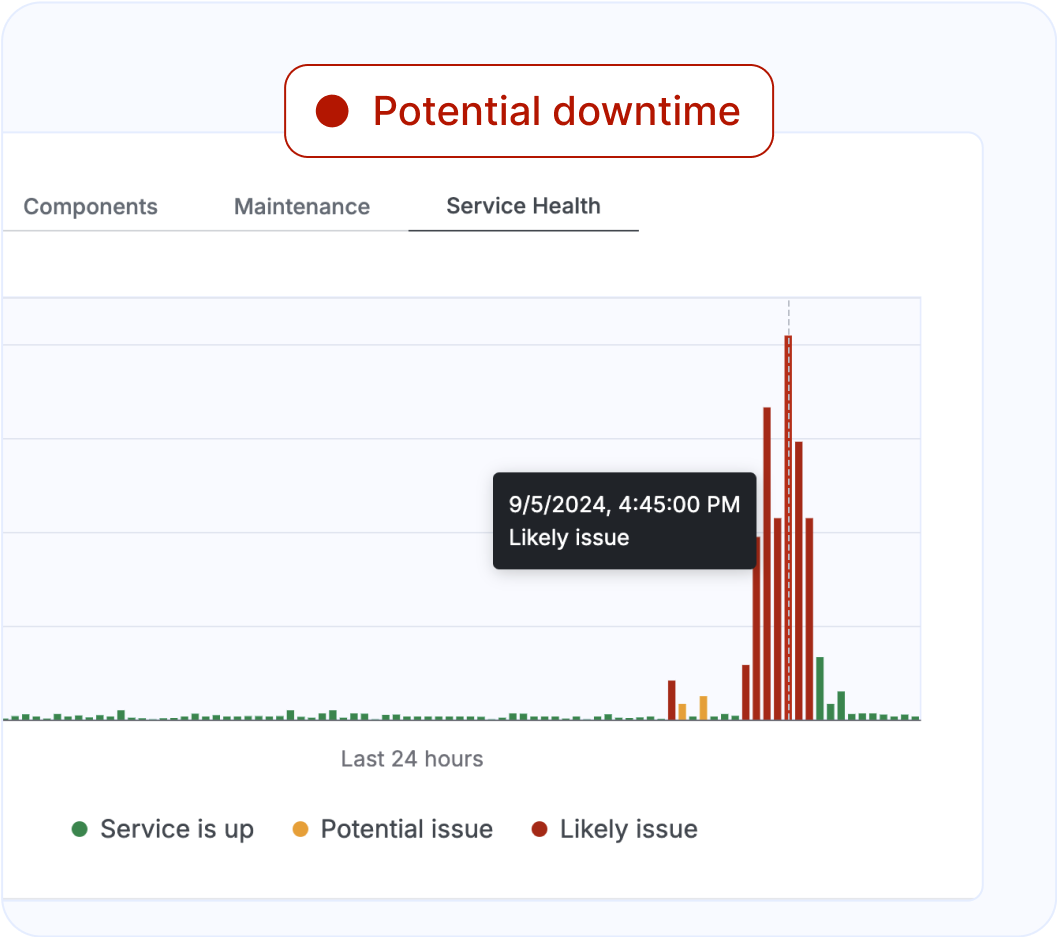
StatusGator is built for SaaS outage intelligence, provider monitoring, historical reliability analysis, and early warning signals. It gives teams visibility into whether a service is down now, how often it has failed before, and whether a new incident is emerging before the provider confirms it.
Buyer criteria that actually matter
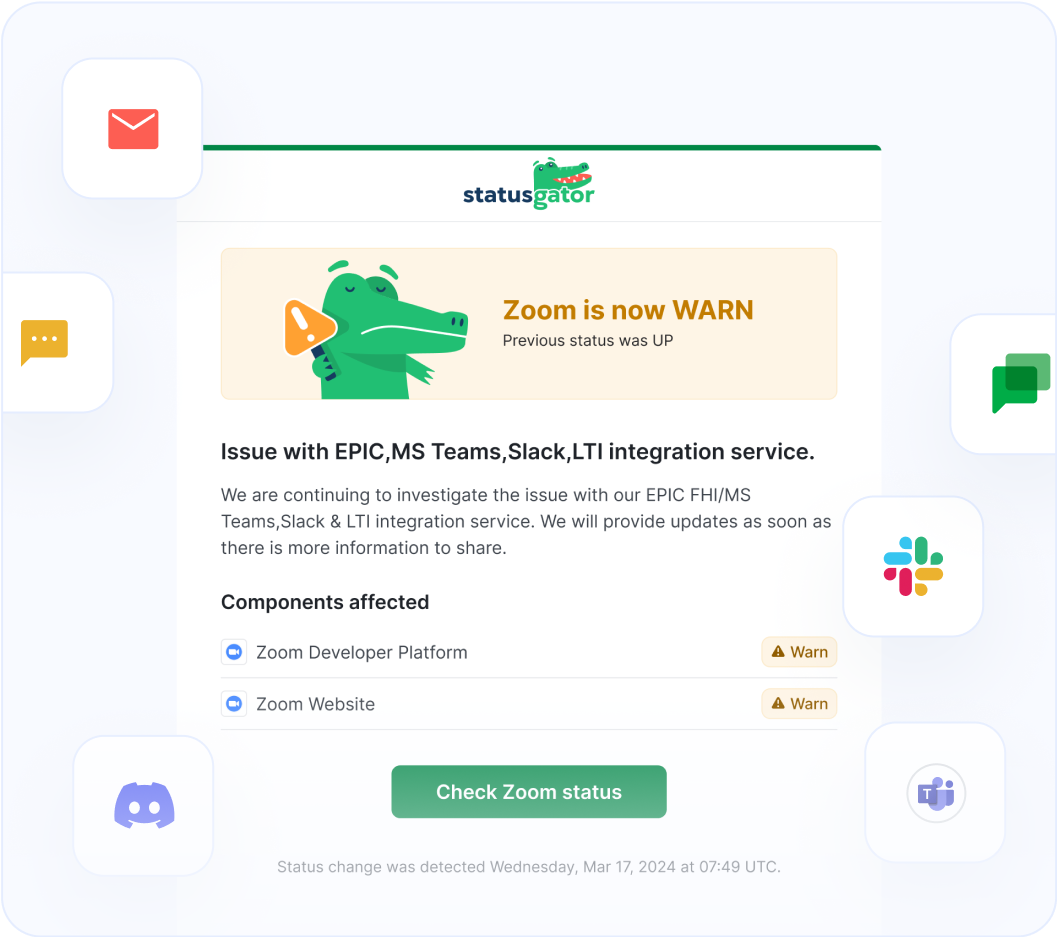
A serious SaaS monitoring platform should help teams reduce noise, improve confidence, and shorten incident response time. Buyers should compare alert quality, notification filtering, incident history, integrations, API support, reliability scoring, and early warning signals.
How SaaS monitoring works in practice
Add applications
Add the SaaS applications your business depends on.
Monitor signals
Monitor official status pages and independent outage signals continuously.
Route alerts
Route alerts into Slack, Teams, email, SMS, or incident workflows.
Review history
Review historical reliability before deciding whether a vendor is a risk.
SaaS monitoring vs infrastructure monitoring
Infrastructure monitoring focuses on your own environment: servers, app health, and internal cloud resources. SaaS monitoring focuses on the external applications you rely on, which can fail without changing your infrastructure metrics at all.
| Category | Focus |
|---|---|
| Infrastructure monitoring | Servers, networks, apps, and cloud resources. |
| Observability | Logs, traces, and root-cause analysis inside your stack. |
| SaaS monitoring | External vendors, cloud apps, and dependency reliability. |
Why SaaS monitoring matters
SaaS monitoring helps teams reduce notification fatigue, catch outages earlier, and separate internal incidents from upstream failures. It also gives support and engineering the same view of vendor health, which improves incident response and customer communication.
Monitor all your SaaS dependencies from one platform
Monitor uptime, outages, incidents, and vendor reliability across the SaaS applications your team relies on.